How fzf Just Became Way More Memory-Efficient: The Bitmap Cache Upgrade
- Part 1: How fzf Just Became Way More Memory-Efficient: The Bitmap Cache Upgrade
- Part 2: Unlocking Faster Fuzzy Finding: How a Smart Work Queue Made fzf Even Quicker
- Part 3: Speeding Up fzf: How a Tiny Change Made the World's Fastest Fuzzy Finder Even Faster
- Part 4: Fixing a Sneaky XSS Vulnerability in Hugo: Inside the Commit That Makes Markdown Rendering Safer
- Part 5: Fixing Syncthing’s REST API: Why “application/json; charset=utf-8” Was Wrong and How a Simple Commit Made It Right
If you’ve ever used the command line, you’ve probably fallen in love with fzf — the blazing-fast fuzzy finder that lets you type a few letters and instantly jump to the file, command, or git commit you’re looking for. It’s one of those tools that feels like magic: type fzf, start typing, and it filters thousands (or millions) of items in real time.
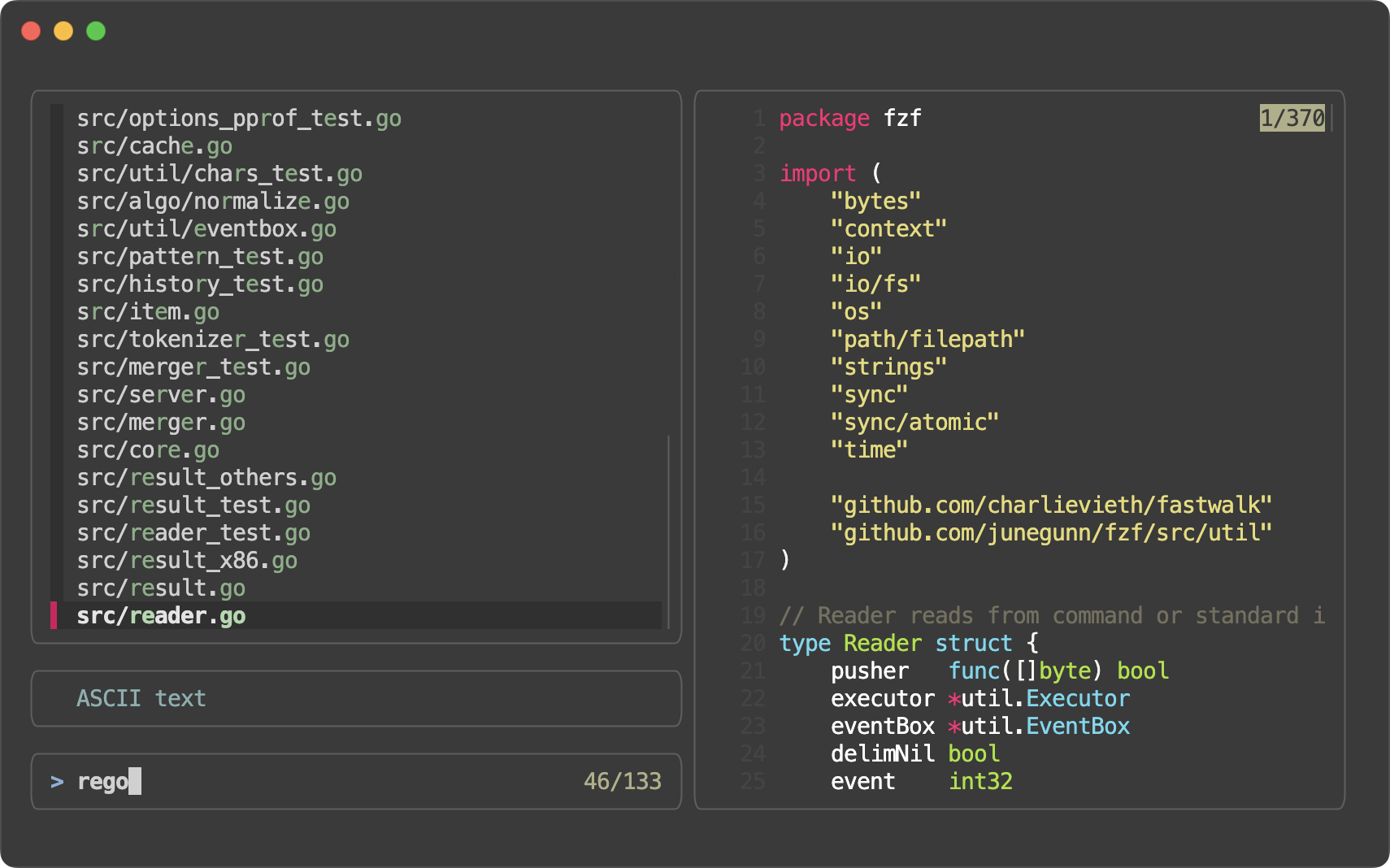
But behind that magic is a lot of clever engineering. And on April 4, 2026, fzf’s creator (
Junegunn Choi
) merged a small but brilliant change — commit 2f27a3e
— that makes fzf use significantly less memory while keeping everything just as fast.
Let’s walk through what changed, why it mattered, and how it actually works — in plain English, with code and pictures.
The Problem: Caching Was Eating Memory 🔗
fzf is super fast because it caches results. When you type a query like “reg” (as in the screenshot above), fzf doesn’t re-scan every single item from scratch on every keystroke. Instead, it remembers which items matched previous similar queries.
Here’s how it used to work internally:
- fzf reads your input (files, git logs, etc.) in chunks of items (originally 1000 items per chunk).
- For each chunk and each query, it builds a list of
[]Result— full match objects that store:- The score (how good the match is)
- The matching indices (which characters matched)
- Pointers back to the original item
This list was stored in a queryCache map: map[string][]Result.
Why was this a problem? 🔗
For large inputs (think 100,000+ lines), and especially when you type slowly or explore many similar queries, the cache could balloon. Each Result object takes up a lot of memory. Multiply that by thousands of cached queries and you’re talking real RAM usage — even on modern machines.
The Solution: Replace the List with a Bitmap 🔗
The commit title says it all: “Replace []Result cache with bitmap cache for reduced memory usage.”
Instead of storing a full list of match objects, fzf now stores a tiny bitmap — basically a super-compact checklist of “yes, this item matched” or “no, it didn’t.”
Think of it like this:
- Old way: Write down the full name, phone number, and favorite color of every person who showed up to the party.
- New way: Just have a giant checklist with 1s and 0s next to each name:
1 0 1 1 0 1 …
(1 = matched the query, 0 = didn’t)
A bitmap uses 1 bit per item. That’s 8 times smaller than a byte, and dramatically smaller than a full Result struct.
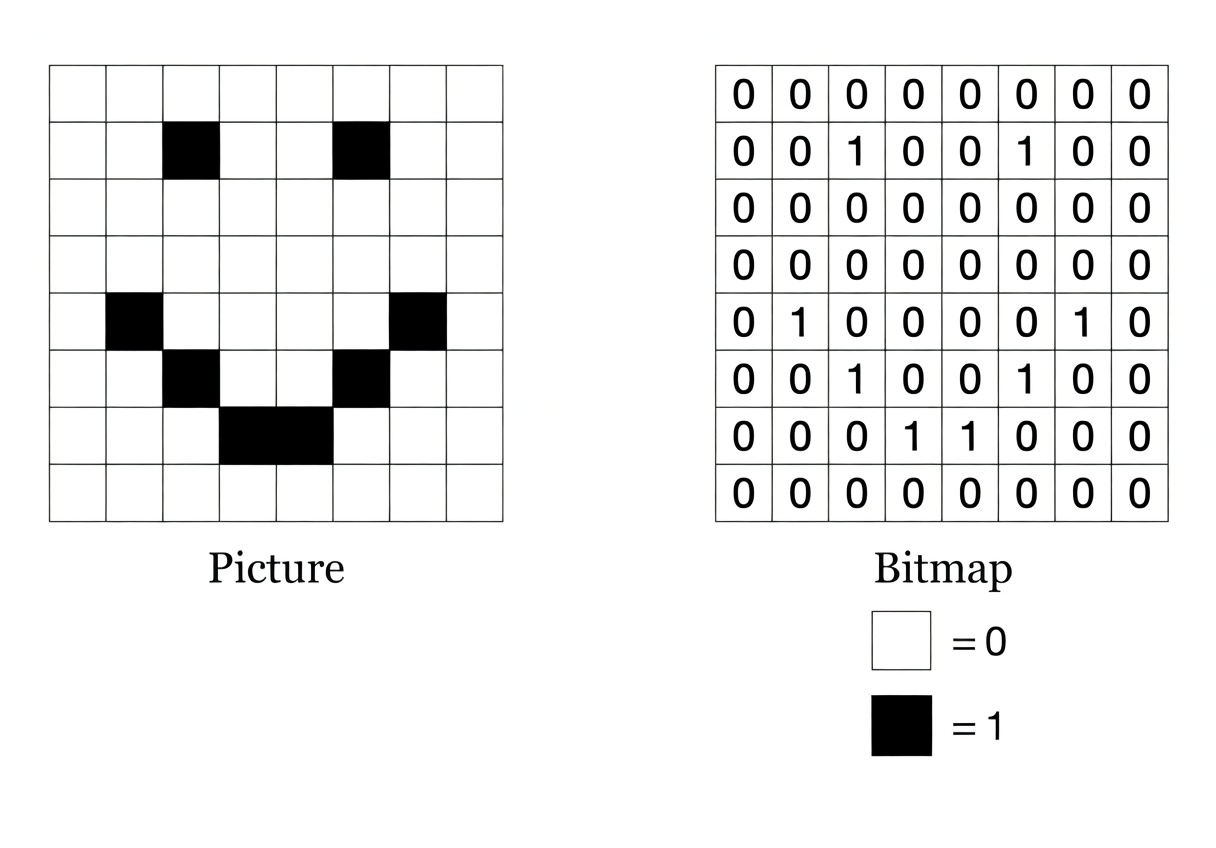
The image above shows exactly this idea: on the left, a picture made of black squares; on the right, the same information stored as a compact grid of 1s and 0s.
How It Works (Technical Breakdown) 🔗
Here are the key changes, made easy to follow:
New data type:
ChunkBitmaptype ChunkBitmap [chunkBitWords]uint64chunkSizewas increased from 1000 to 1024 (a nice power-of-2 number that’s perfect for bit operations).- 1024 bits ÷ 64 bits per
uint64= 16 words per chunk. So oneChunkBitmapis just 16 × 8 = 128 bytes no matter how many matches there are!
The cache now stores bitmaps instead of results
type queryCache map[string]ChunkBitmapMatching logic updated to build and read the bitmap
Inpattern.go, the newmatchChunkfunction does two things at once:It returns the actual
[]Resultlist (for the UI).It also builds a
ChunkBitmapby setting bits:bitmap[idx/64] |= uint64(1) << (idx % 64) // Set the bit!
When looking up a cached query, fzf skips any item whose bit is 0:
if hasCachedBitmap && cachedBitmap[idx/64]&(uint64(1)<<(idx%64)) == 0 {
    continue // Skip — we already know it doesn't match
}
Smarter caching limits
Because bitmaps are so tiny, the team could raisequeryCacheMaxfromchunkSize / 5tochunkSize / 2. That means fzf can now safely cache more queries without blowing up memory.
All of this lives in just four files:
src/cache.go(the big rewrite)src/constants.go(bumped the numbers)src/pattern.go(updated matching)src/cache_test.go(tests now check bitmaps instead of result lists)
Why This Change Matters 🔗
- Lower memory usage — especially noticeable with huge inputs (millions of lines, large git repos, etc.).
- Same (or better) speed — lookups are now simple bit checks, which are extremely fast on modern CPUs.
- Scales better — fzf can handle even larger datasets without swapping or slowing down.
- No user-visible changes — your
fzfcommands, keybindings, and previews work exactly the same. You just get a leaner, meaner tool under the hood.
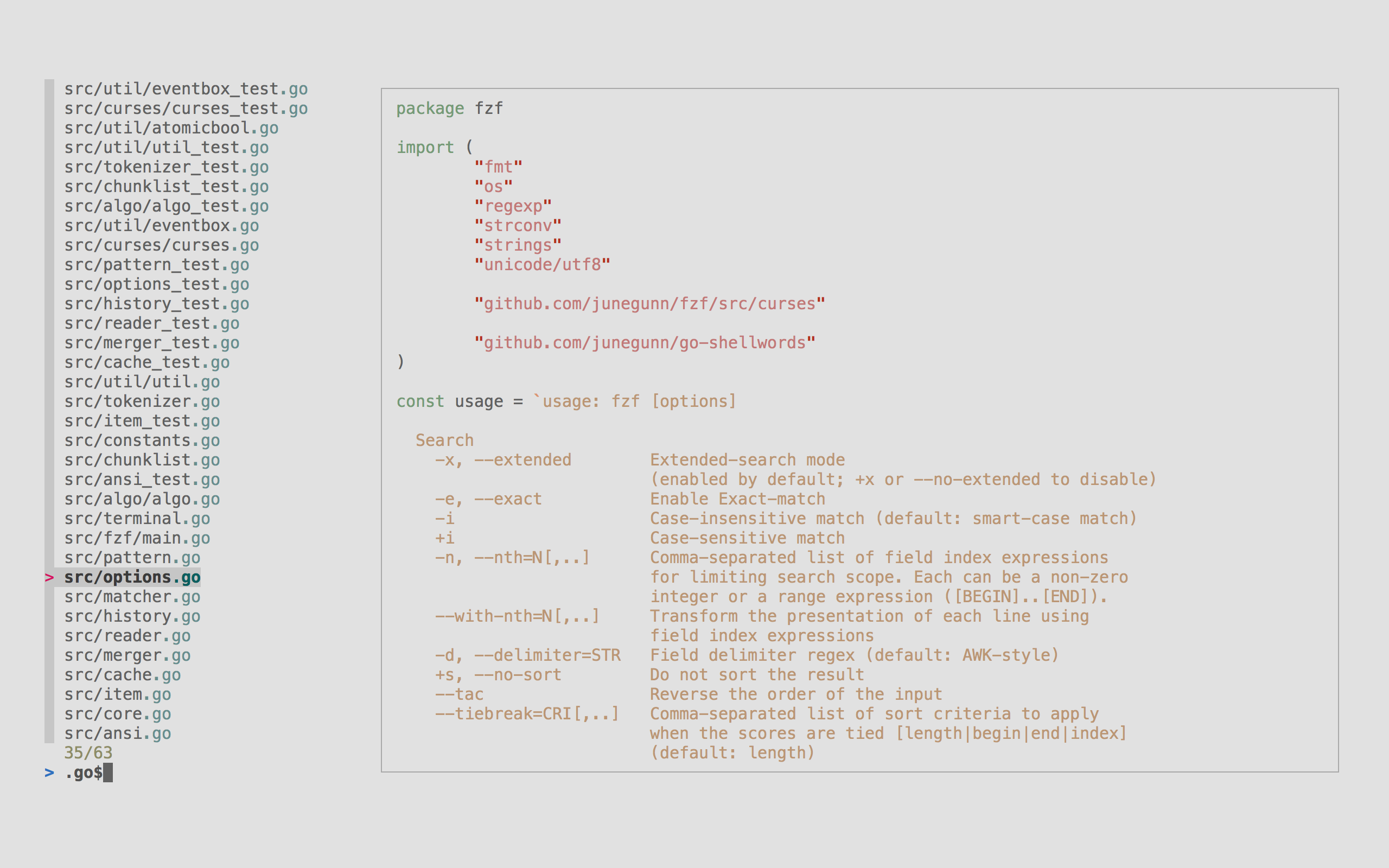
Here’s another real-world screenshot of fzf in action so you can see the experience hasn’t changed — only the internals got smarter.
Goal Achieved ✅ 🔗
The pull request set out to reduce memory usage in fzf’s query cache without sacrificing performance or correctness.
By switching from bulky []Result lists to compact ChunkBitmaps, junegunn delivered exactly that. The code is cleaner, the tests pass, constants were tuned to take advantage of the new efficiency, and fzf is now even better at handling the massive lists it’s famous for.
Next time you type fzf and watch results appear instantly, remember: a tiny grid of 1s and 0s is quietly working behind the scenes to keep your RAM happy.
Try it yourself 🔗
Update to the latest fzf and enjoy the improved efficiency. Whether you’re searching files, git history, or command history, the magic feels the same — but the engine is now lighter and stronger than ever.
Happy fuzzy finding! 🚀
Thanks to junegunn for another elegant optimization in one of the most useful tools in the terminal.
I hope you enjoyed reading this post as much as I enjoyed writing it. If you know a person who can benefit from this information, send them a link of this post. If you want to get notified about new posts, follow me on YouTube , Twitter (x) , LinkedIn , and GitHub .
- Part 1: How fzf Just Became Way More Memory-Efficient: The Bitmap Cache Upgrade
- Part 2: Unlocking Faster Fuzzy Finding: How a Smart Work Queue Made fzf Even Quicker
- Part 3: Speeding Up fzf: How a Tiny Change Made the World's Fastest Fuzzy Finder Even Faster
- Part 4: Fixing a Sneaky XSS Vulnerability in Hugo: Inside the Commit That Makes Markdown Rendering Safer
- Part 5: Fixing Syncthing’s REST API: Why “application/json; charset=utf-8” Was Wrong and How a Simple Commit Made It Right