
Traefik PR #12880: A Tiny Fix That Squashes Unnecessary Allocations and Kills Routing Lag
If you’ve ever run Traefik under heavy load and noticed occasional mysterious delays (even though CPU and memory looked fine), you’re not alone. Sometimes the culprit is hidden in the …
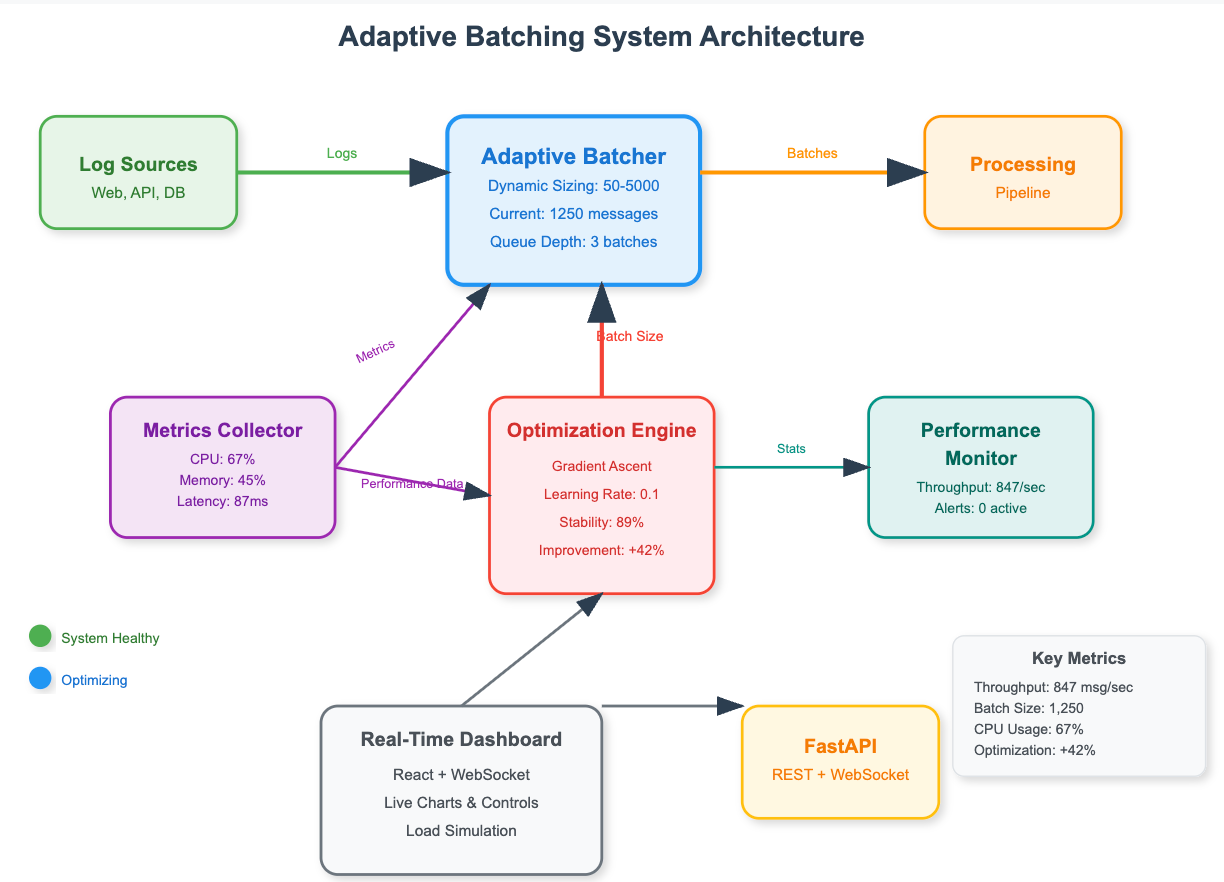
Fixing UI Lag | Lazygit just got a major speed boost for one of its most frustrating pain points
Lazygit just got a major speed boost for one of its most frustrating pain points. If you’ve ever tried to discard changes in a big directory (or range-selected dozens of files) and watched your …
Fixing Syncthing’s REST API: Why “application/json; charset=utf-8” Was Wrong and How a Simple Commit Made It Right
Syncthing is the reliable, open-source tool that keeps your files in sync across computers, phones, and servers without a central cloud. One of its most useful features is the built-in REST API — a …
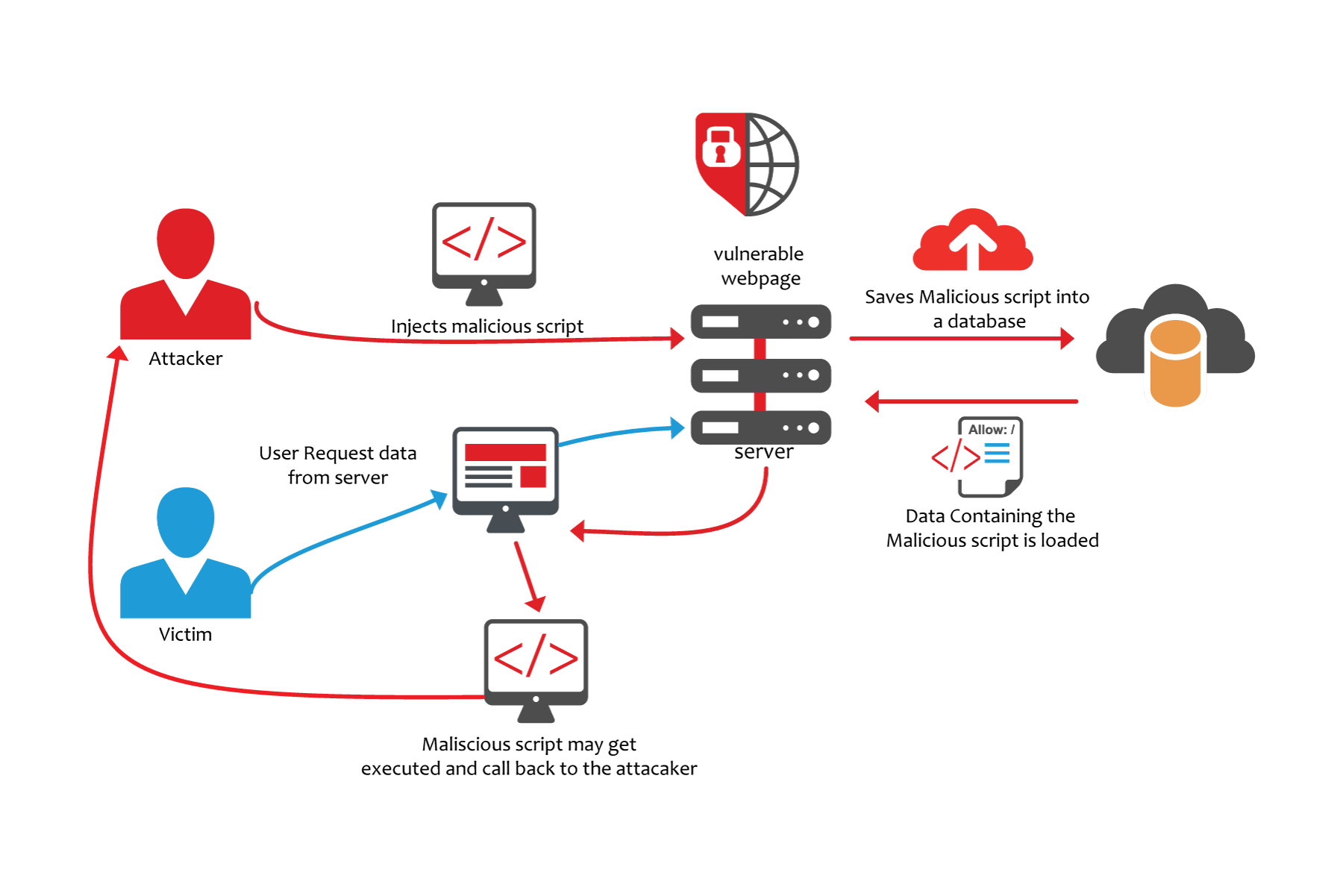
Fixing a Sneaky XSS Vulnerability in Hugo: Inside the Commit That Makes Markdown Rendering Safer
Hugo is one of the fastest and most popular static site generators out there. Millions of blogs, documentation sites, and portfolios run on it. But like any software that turns Markdown into HTML, …
Speeding Up fzf: How a Tiny Change Made the World's Fastest Fuzzy Finder Even Faster
If you’ve ever used the command line, you’ve probably fallen in love with fzf — the blazing-fast fuzzy finder that lets you search through files, git history, processes, or anything else …
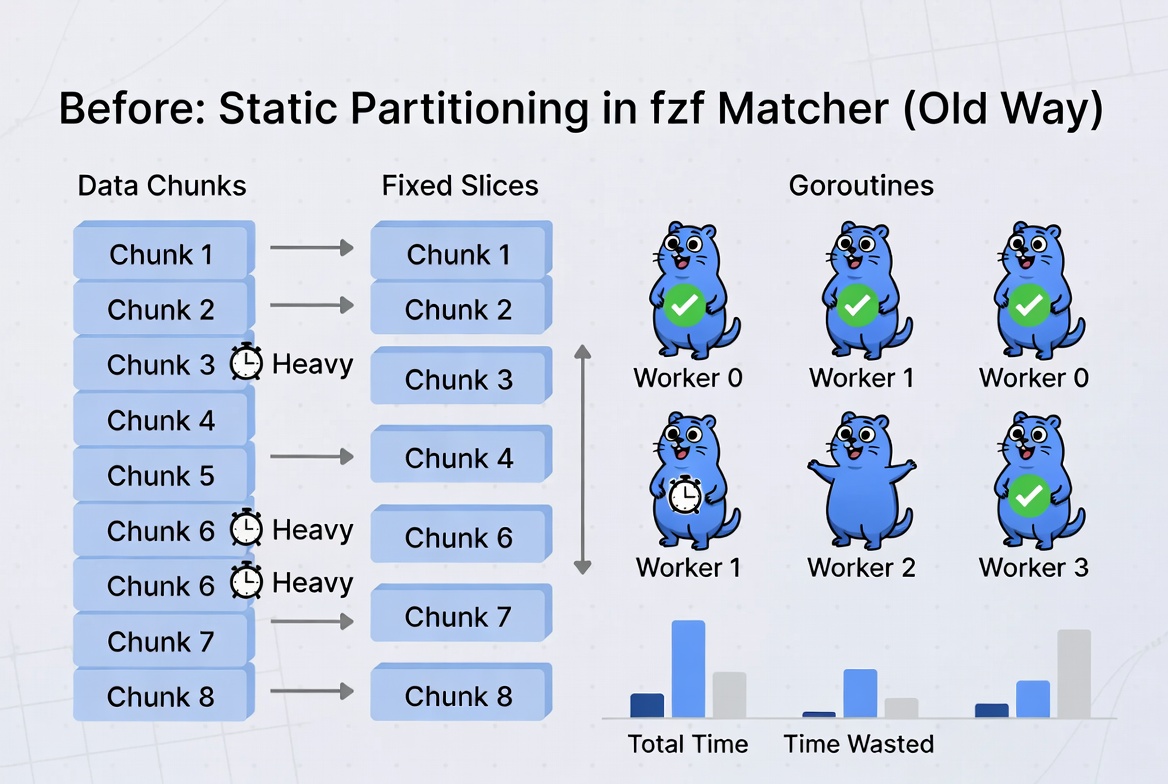
Unlocking Faster Fuzzy Finding: How a Smart Work Queue Made fzf Even Quicker
If you’ve ever typed fzf in your terminal and instantly started typing to fuzzy-search through thousands of files, git commits, or command history, you know how magical it feels. fzf (fuzzy finder) is …
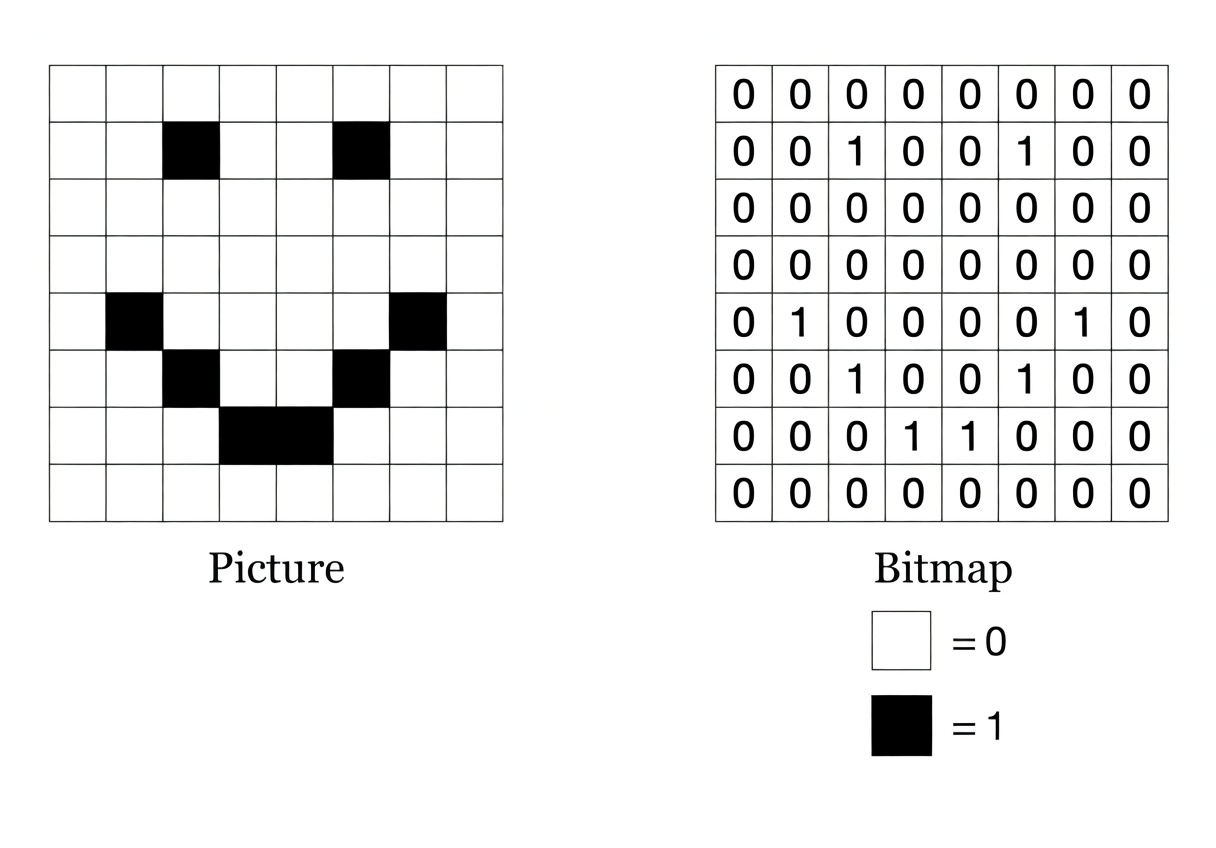
How fzf Just Became Way More Memory-Efficient: The Bitmap Cache Upgrade
If you’ve ever used the command line, you’ve probably fallen in love with fzf — the blazing-fast fuzzy finder that lets you type a few letters and instantly jump to the file, command, or …
Choosing the Best Linux Distribution for Gaming on Laptops or Desktop PCs in 2026
Linux gaming has exploded in popularity by 2026, driven by advancements in compatibility layers like Proton, better GPU drivers, and hardware like the Steam Deck. According to Steam’s Hardware …
Accelerating Innovation: The Rise of Faster Update Cycles in Tech
In the ever-evolving world of technology, companies are increasingly shifting toward faster-paced update schedules with predictable timelines. This trend allows for quicker delivery of features, …
Ultimate Guide to Shrinking Go Binary Sizes: Proven Ways to Reduce Executable File Footprints in Golang
In the world of software development, especially with Go (Golang), building efficient applications isn’t just about performance — it’s also about keeping your binary files lean. Large …